Login and Accounts
Registration
User access to the website is not open to the general public. For access, please reach out to the site administrator and/or your center/institute/hospital’s collaborator affiliated with this website.
Note
Administrator contact instructions have been intentionally omitted from this manual.
Permissions
User access can be generally broken down into the following tiers:
Access to /catalog/: This will be the most common permission granted and gives you access to browse and download pre-canned datasets from the Dataset Catalog.
Access to /data/: This is intended for affiliated center/institute/hospital’s predominantly for the act of Data Collection.
Access to /explorer/: The SQL Explorer app requires privileged permissions bordering on admin level permissions. This grants read access to execute arbitrary (but read only) SQL queries directly to the clinical database.
Access to /admin/: This is intended for administrator access only, however, some simplified forms for data access and ingestion are granted automatically for those that have permissions to access /data/.
Login
The login page will look like the following.

Note
Upon registration, the site administrator will provide you with your username and initial temporary password. Please login and immediately change this temporary password. See Password Reset.
Password Reset
To change your password go to admin/password_change/. A link to this is also provided on the home landing page.
If you have forgotten your username and password, click on the Forgotten your password or username? link as shown below.

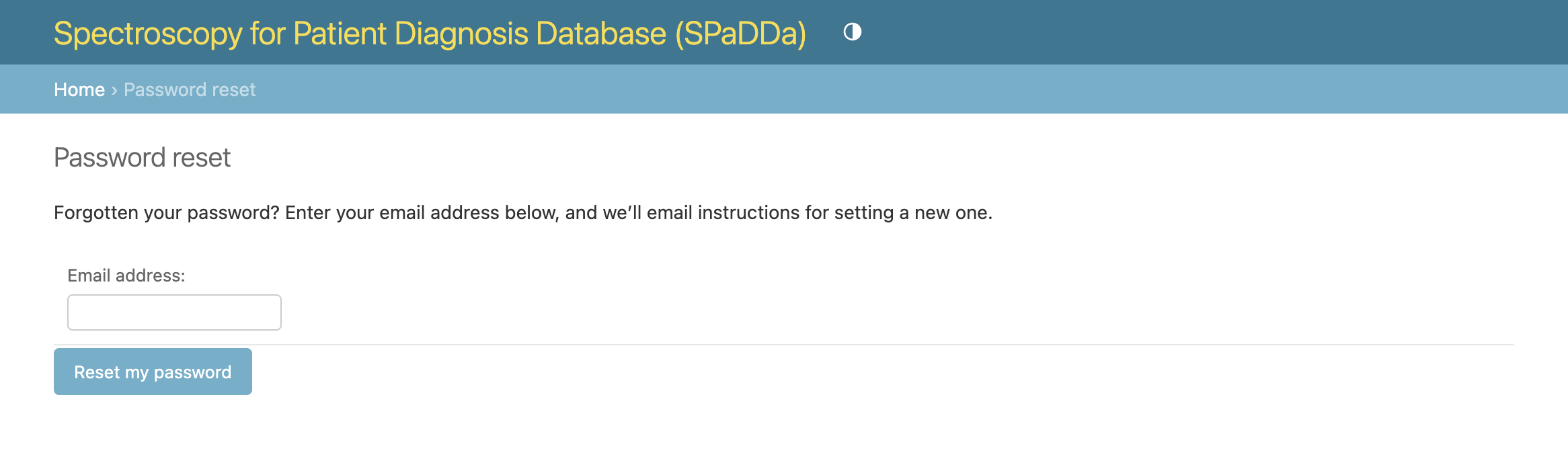
You will then be directed to enter the email address associated with your user account so that a one-time password reset link can be emailed to you.
Note
If the given email address was not previously registered, no email will be sent.
User Profile
Note
There is no user profile page or user management of your details, i.e., name, email address etc. Changes to user details can be made only via a request to the site administrator.