SQL Explorer
Usage
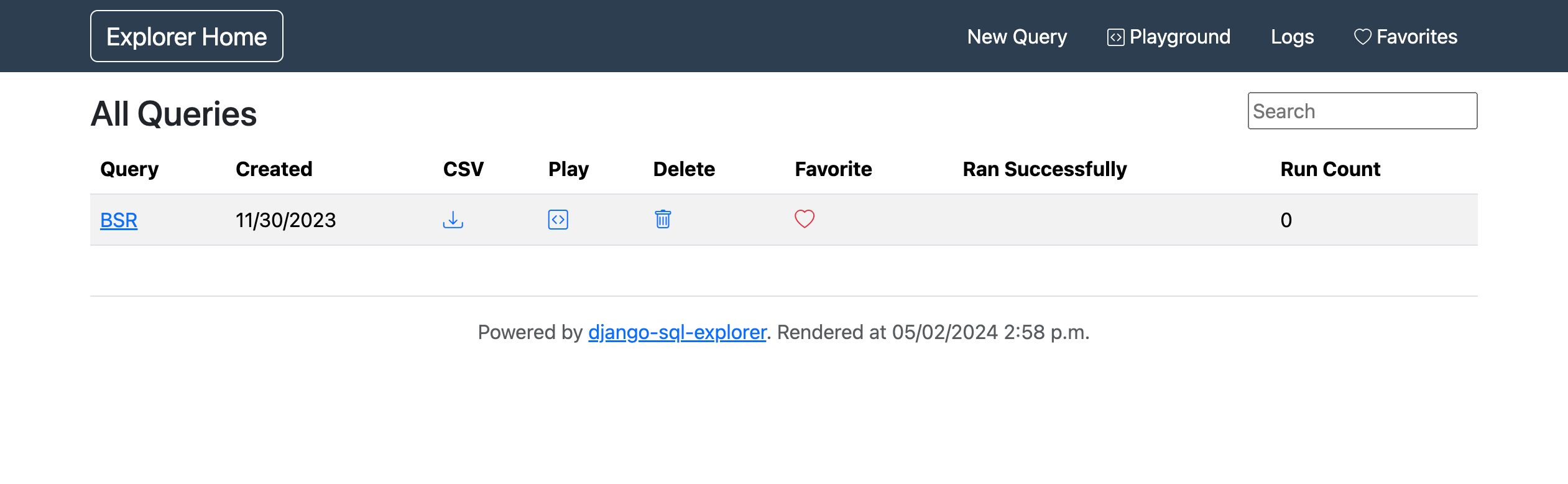
When landing on the /explorer/ page you should expect to see the following.
Warning
Privileged permissions are required to use this application as it provides unrestricted read access to the entire database.
Note
The SQL explorer application has only read access to the central database.
Playground
The explorer playground can be used for experimenting and writing ad-hoc queries.
Given the complexity of the underlying data model, a SQL view has been provided, flat_view, flattening the data and thus simplifying SQL queries against it.
For example, to query the entire database the following can be used.
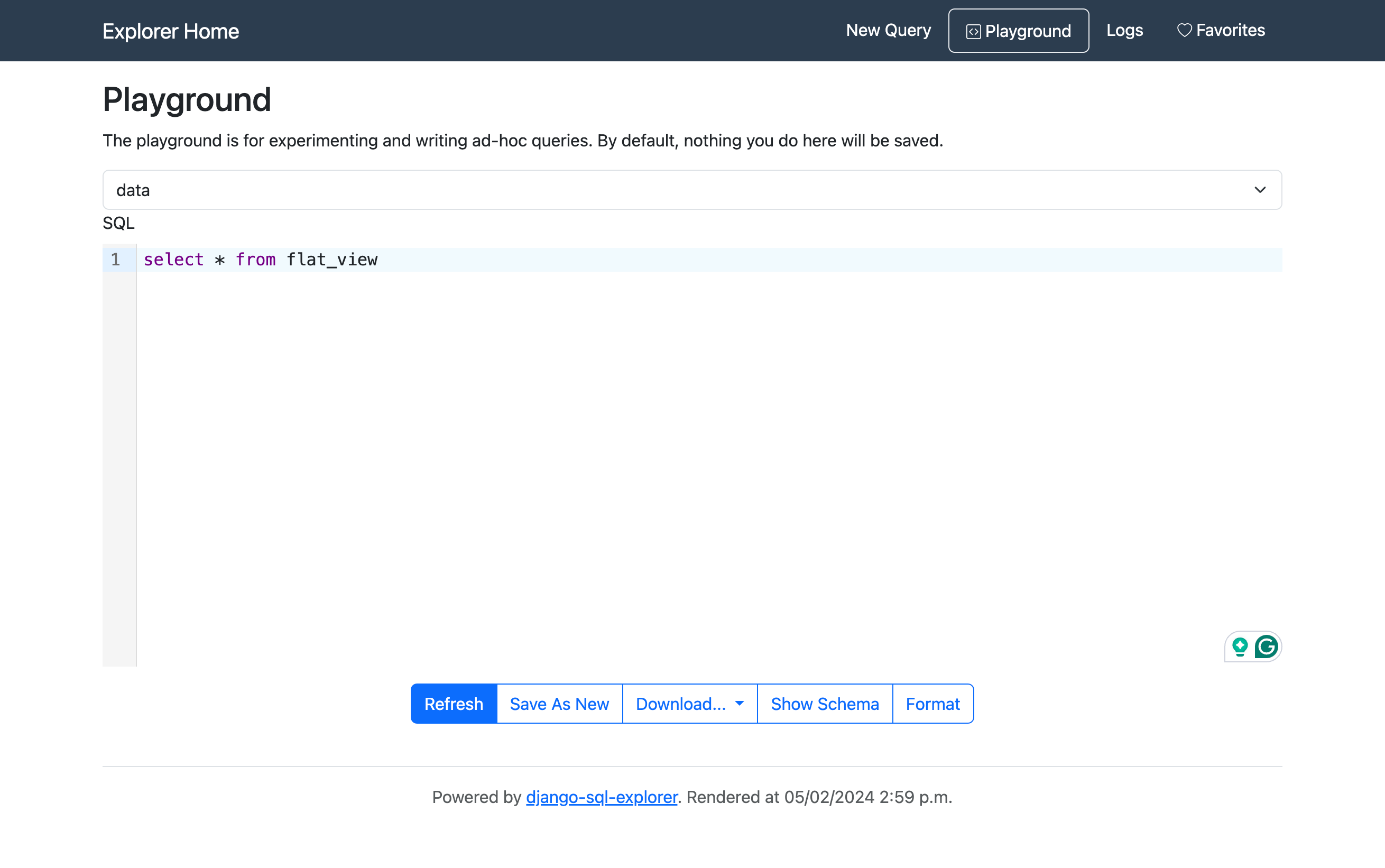
Clicking refresh will execute the query and load a preview of the data results.
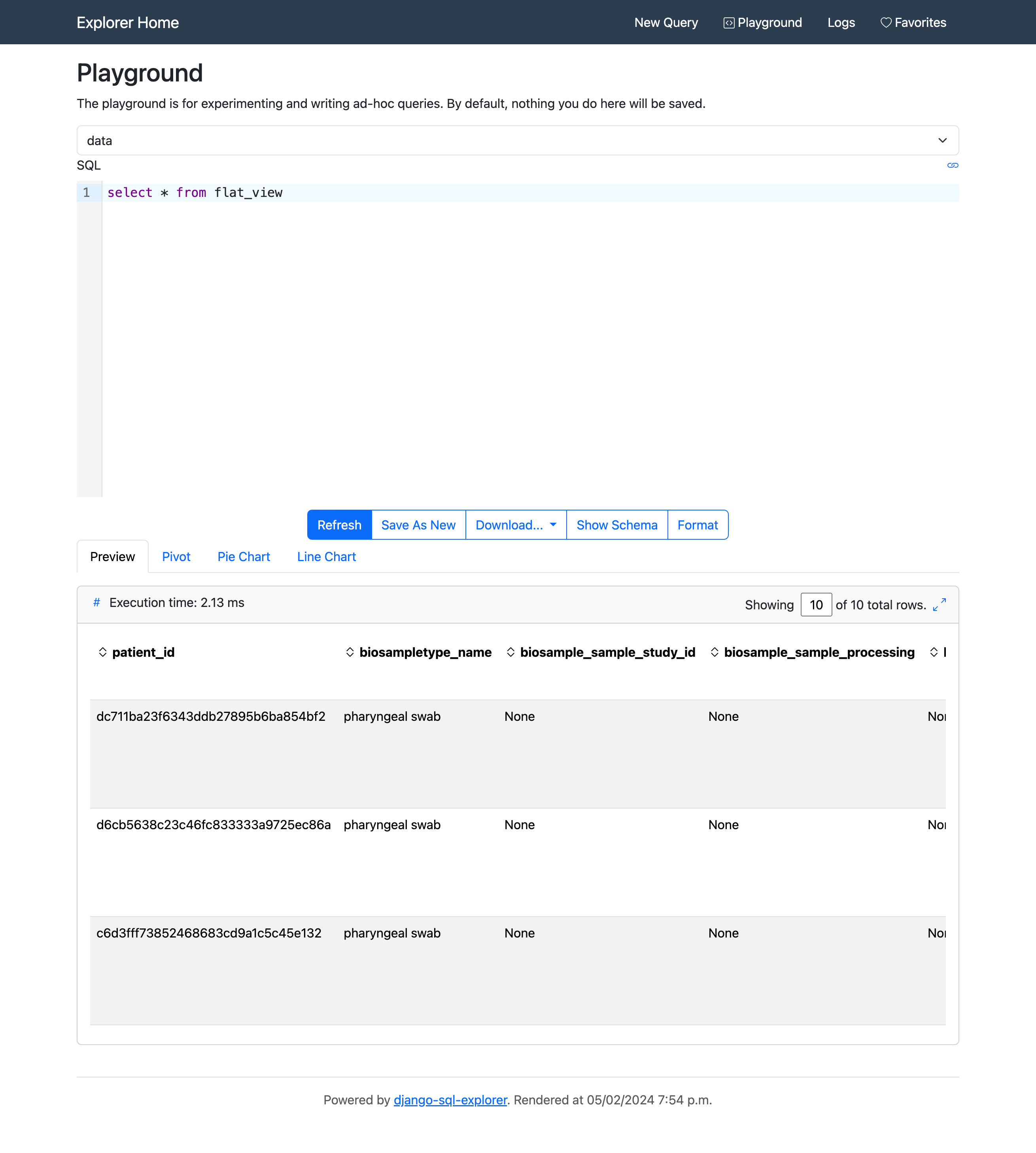
Charts
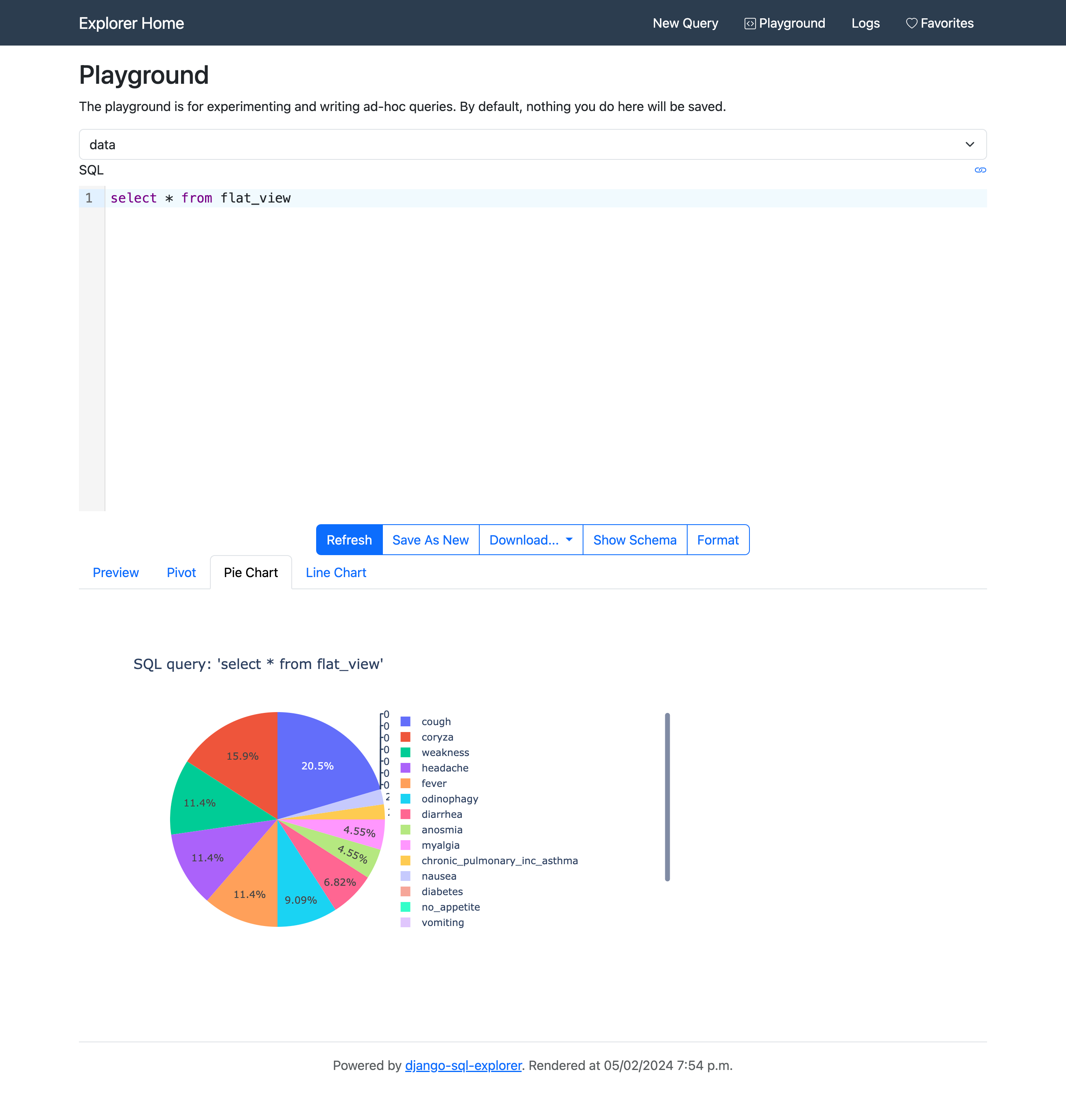
Depending on the SQL query executed and the data returned, pie charts and line charts may be available.
A pie chart is available for plotting boolean observations (if present in the resultant data).
A line charts is available for plotting spectroscopy data (if present in the resultant data).

Note
Both of these charts are interactive such that the user can include and exclude fields, and also show explicit data values when hovering the cursor over certain regions of the graphs.
Schema
From both the Playground or New Query page, schemas for the database tables can be viewed, expanded, collapsed, and filtered.

New Query
The explorer New Query page works in almost exactly the same manner as the Playground, with the added functionality of saving queries for future use.
For saved SQL explorer queries a Title and Description can be provided.
Saving queries in this manner is precisely the method needed such that they can be used to generate datasets for the Dataset Catalog.
